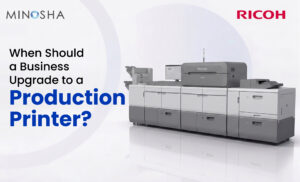
When Should a Business Upgrade to a Production Printer?
Every business that handles printing eventually hits a wall. Maybe the office printer jams constantly, or maybe the print quality just isn’t cutting it anymore for client-facing materials. Whatever the reason, there comes a point when small machines simply can’t keep up with growing demands. This guide will help you figure out exactly when that point arrives for your business.
Printing needs change as companies grow, and what worked for a five-person startup often fails a fifty-person company. Desktop printers are built for occasional use, not for hours of continuous output every single day. When print jobs become a daily bottleneck, productivity across the entire office starts to suffer. Recognizing these warning signs early can save you money, time, and a whole lot of frustration.
Signs Your Current Printer Setup Is Holding You Back
Most businesses don’t wake up one day and decide to invest in heavy-duty equipment out of nowhere. Instead, the decision usually comes after months of mounting frustration with slow speeds, frequent breakdowns, and rising costs. Staff members might complain about waiting in line for the printer, or worse, jobs might get rerouted to expensive outside print shops. These inefficiencies add up quickly, eating into both time and budget. If any of this sounds familiar, your business may already be overdue for an upgrade.
Another telling sign is when your print volume keeps climbing month after month without any plateau in sight. Marketing teams might be producing more brochures, sales teams might need more presentation materials, and operations might require more manuals or labels. Office-grade printers simply weren’t designed to handle thousands of pages daily without significant wear and tear. When toner costs start rivaling your rent payment, something has to change. At this stage, it’s worth exploring what a production printer can actually do for your operations.
What Makes Production Printers Different?
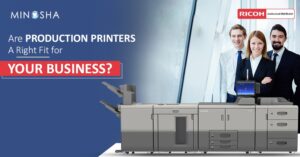
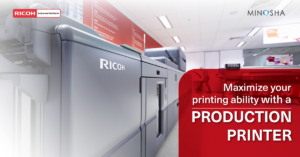
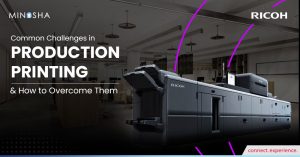
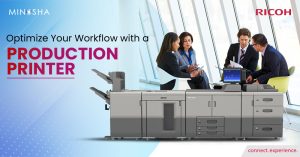
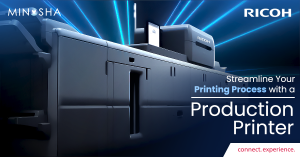
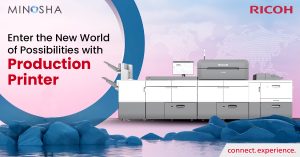
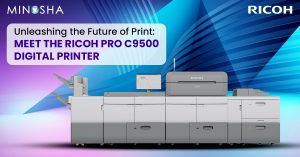
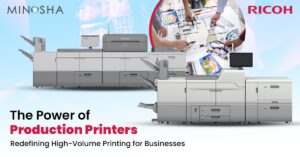
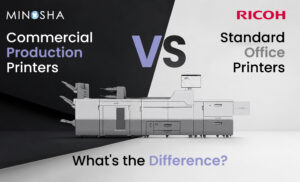
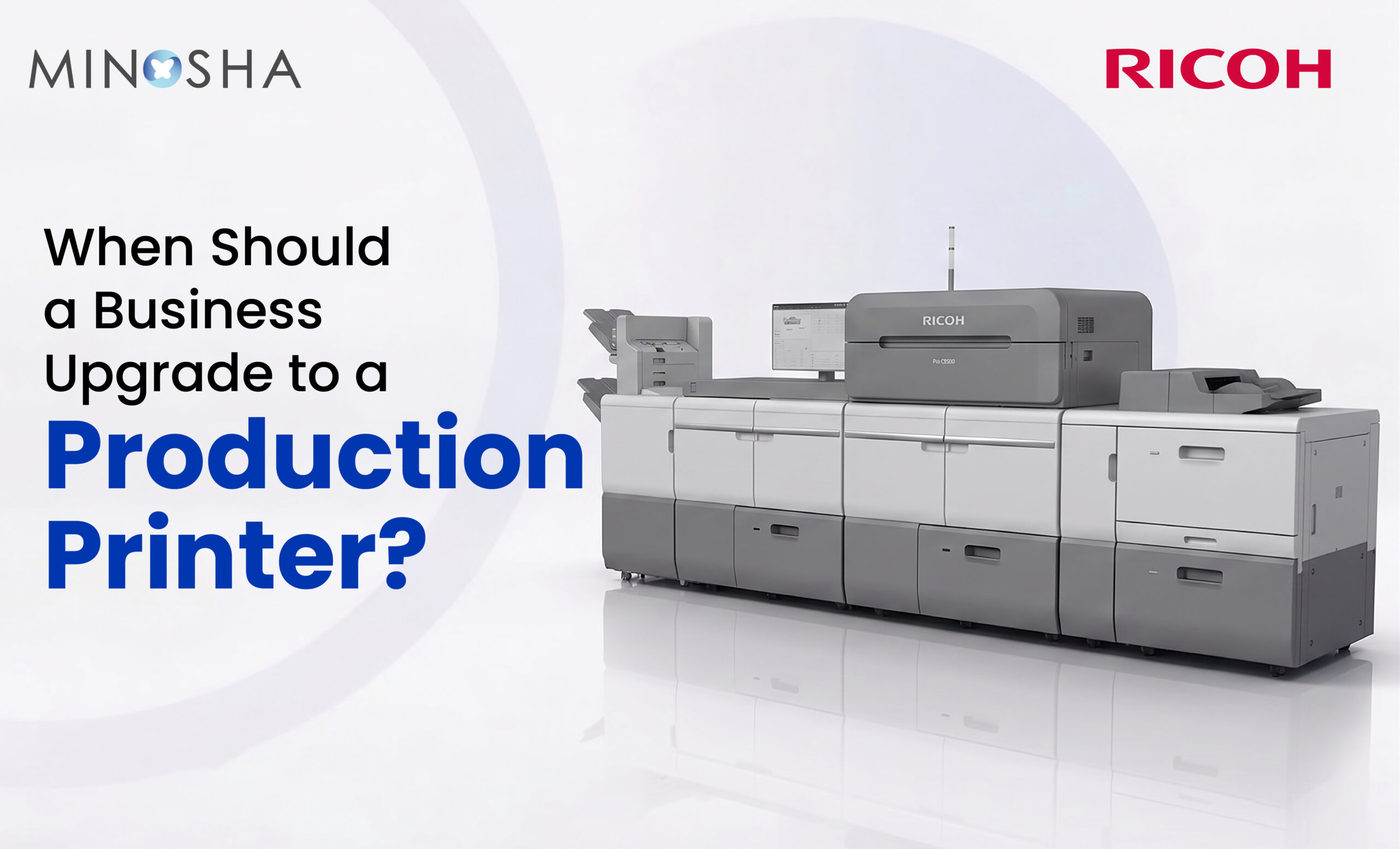
A production printer isn’t just a bigger version of your office machine; it’s an entirely different category of equipment built for serious workloads. These machines are engineered for speed, reliability, and consistency across massive print runs. They typically handle finishing tasks like stapling, folding, and binding right within the same unit. This integration saves businesses from needing separate equipment or outsourcing finishing work elsewhere.
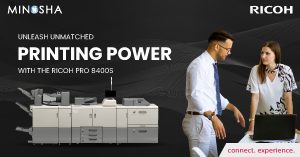
Durability is another huge factor that sets these machines apart from standard printers. While office printers might be rated for a few thousand pages per month, production-grade units are built to churn out tens of thousands without breaking a sweat. The components are sturdier, the paper paths are more robust, and the overall engineering reflects years of heavy-duty use in mind. Businesses that switch often report fewer service calls and far less downtime. Looking at Ricoh production printers is a smart starting point if reliability tops your priority list.
Key Indicators It’s Time to Make the Switch
Sometimes the signals are subtle, but other times they’re impossible to ignore. Below are some detailed indicators that suggest your business has outgrown its current setup:
- Frequent breakdowns and maintenance calls: If a technician is practically on speed dial because your printer jams or malfunctions weekly, that’s a clear red flag. Constant repairs not only cost money but also disrupt workflow every time a machine goes down. A production printer is built with sturdier components designed to handle continuous use without these constant interruptions.
- Outsourcing print jobs regularly: When your business sends work to outside print shops because internal equipment can’t handle the volume or quality, you’re essentially paying twice. You’re covering the cost of your own underused equipment plus the fees charged by external vendors. Bringing that capability in-house with a dedicated machine often pays for itself within a year or two.
- Slow turnaround times affecting deadlines: If projects are delayed because the print queue is backed up for hours, clients and internal teams both feel the impact. Speed matters enormously when proposals, reports, or marketing materials need to go out same-day. Production printers can output hundreds of pages per minute, drastically cutting wait times.
- Inconsistent print quality on large runs: Office printers often show quality degradation toward the end of long print jobs, with streaks, fading, or color shifts becoming noticeable. Clients and customers notice these inconsistencies, especially on branded materials. Upgraded equipment maintains consistent quality from the first page to the last, even across thousands of copies.
- Rising cost per page: Office-grade toner cartridges are expensive relative to the volume they produce, making per-page costs balloon as usage increases. Production printers use more cost-efficient consumables designed for high-volume printing. Over time, this difference can translate into significant savings.
These signs rarely appear all at once, but even two or three of them happening regularly should prompt a serious conversation about upgrading. Waiting too long often means losing money silently through inefficiencies that aren’t immediately obvious on a balance sheet. Many companies find that once they finally make the switch, they wonder why they waited so long. The right equipment doesn’t just solve problems, it actively improves how teams work day to day.
Calculating the Return on Investment
Numbers tell a story that gut feelings sometimes miss, and that’s especially true when it comes to printing costs. Start by tracking exactly how much your business currently spends on toner, maintenance contracts, paper, and any outsourced printing over a typical month. Then compare that figure against the estimated monthly cost of leasing or owning a production-grade machine, including its supplies. In many cases, businesses discover the math actually favors an upgrade much sooner than expected.
Beyond the direct costs, there’s also the matter of time saved across the organization. Employees who used to spend twenty minutes waiting for documents to print can redirect that time toward actual work. Multiply those minutes across dozens of employees over weeks and months, and the productivity gains become substantial. When you search for the best production printers, focus on models that align with your specific volume and finishing needs rather than just the flashiest specs. A thoughtful comparison shop now prevents costly mismatches down the line.
Choosing the Right Printer for Your Business Needs
Not every business needs the same type of production printer, since requirements vary wildly depending on industry and output type. A law firm churning out lengthy contracts has very different needs than a marketing agency producing glossy brochures. Color accuracy might be critical for one business while another cares more about raw speed and paper handling. Taking inventory of your actual print jobs over a month or two will reveal patterns that guide the decision.
It also helps to think ahead rather than just solving today’s problem. Buying a machine that barely meets current needs means facing another upgrade decision sooner than you’d like. Instead, look for equipment with some headroom for growth, along with flexible finishing options that can adapt as your needs evolve. Talking to vendors about scalability, support contracts, and trial periods can also reveal a lot about long-term fit. The goal is finding a machine that grows with your business rather than becoming another bottleneck in a few years.