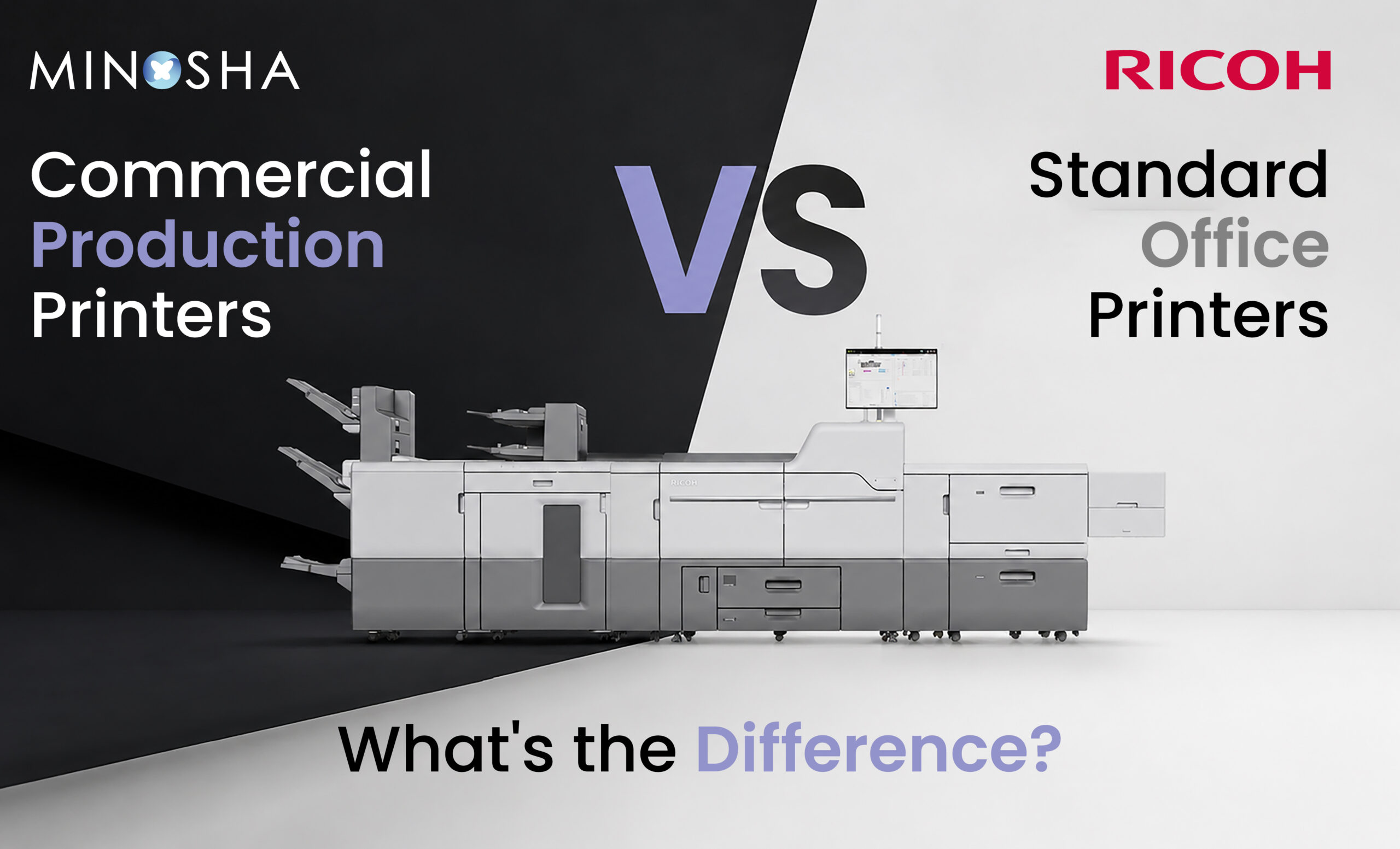
Commercial Production Printers vs Standard Office Printers: What’s the Difference?
Walk into any office, and you’ll likely spot a printer tucked in a corner, quietly handling memos, invoices, and the occasional oversized spreadsheet. Now picture a print shop or marketing department churning out thousands of brochures, catalogs, and direct mail pieces every single day. These two scenarios involve printers, but the machines doing the work couldn’t be more different. Understanding these differences can help businesses make smarter decisions about their printing infrastructure.
Many business owners assume printers are interchangeable, just bigger or smaller versions of the same basic technology. That assumption can lead to costly mistakes, whether it’s overspending on equipment that’s overkill for actual needs or underbuying machines that can’t keep pace with demand. The gap between office printers and their commercial counterparts spans speed, durability, cost structure, and even the type of work each is designed to handle.
Let’s break down exactly what separates these two categories.
Built for Different Workloads Entirely
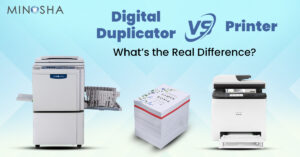
Standard office printers are designed with light, intermittent use in mind, typically handling a few hundred pages on a busy day. They’re built to sit idle for stretches of time, waking up only when someone hits print on a document or two. The internal components, from the toner cartridges to the paper feed mechanisms, reflect this lighter expected workload. Manufacturers design these machines assuming they’ll mostly collect dust between print jobs.
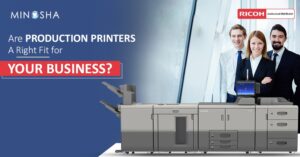
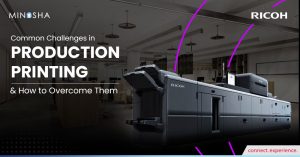
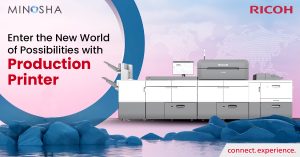
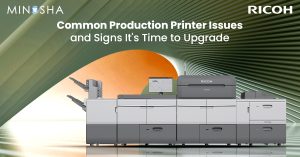
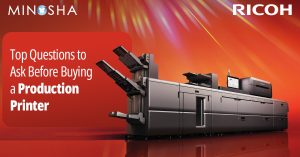
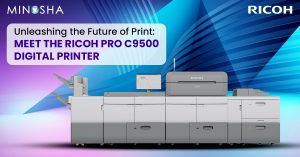
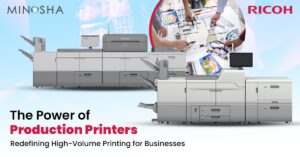
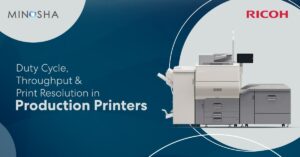
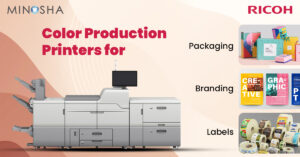
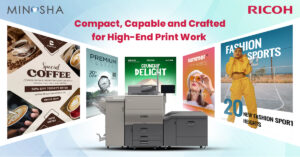
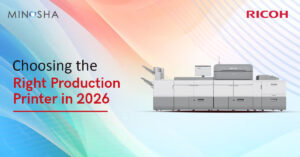
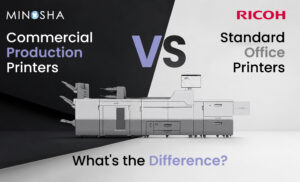
Commercial equipment operates under a completely different philosophy from the ground up. These machines are engineered to run continuously for hours, producing tens of thousands of pages without faltering. Every component, from the drum units to the fuser assemblies, is built with industrial-grade materials meant to withstand constant friction and heat cycling. A cut sheet production printer, for example, can feed and process individual sheets at remarkable speeds while maintaining consistent quality from page one to page ten thousand. This fundamental difference in design philosophy explains why the two categories aren’t really comparable on a feature-by-feature basis.
Speed and Output Capacity
Speed is often the first thing people notice when comparing these two printer types, and the gap can be staggering. A typical office printer might output around 20 to 40 pages per minute, which feels reasonably fast for everyday tasks like printing reports or meeting agendas. For a small team sharing one device, this speed is usually sufficient to avoid long waits. However, this pace becomes a serious bottleneck the moment volume increases significantly.
Commercial machines operate in an entirely different league, often producing well over 100 pages per minute, with some high-end models exceeding 200. This isn’t just about raw speed either, since these printers maintain that pace consistently across massive runs without slowing down or overheating. Businesses that need to print marketing materials, manuals, or transactional documents in bulk simply cannot rely on office equipment to meet tight deadlines. The difference becomes especially clear during crunch times, when a job that would take an office printer all day can be completed in under an hour on commercial equipment.
Durability and Build Quality
Office printers are constructed with cost efficiency as a primary goal, since most businesses don’t want to spend a fortune on something used moderately throughout the week. This means components like gears, rollers, and circuit boards are often made from lighter materials that keep manufacturing costs down. While perfectly adequate for their intended use, these parts simply aren’t designed to endure years of heavy, continuous operation. Wear and tear accumulates faster, leading to more frequent breakdowns as usage increases beyond typical office levels.
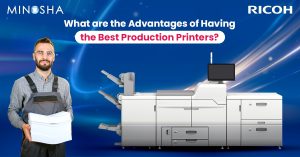
Commercial-grade machines tell a completely different story when it comes to construction. Heavier-duty frames, reinforced paper paths, and more robust internal mechanisms are standard features built to handle relentless use day after day. Many models are rated for monthly duty cycles in the hundreds of thousands of pages, a figure that would be unthinkable for office equipment. This durability translates directly into fewer service calls, less downtime, and a longer overall lifespan for the investment. Businesses that have made the switch often report going months without a single mechanical issue, something that was unimaginable with their previous setup.
Finishing Capabilities and Versatility
This is an area where the gap between the two categories becomes especially obvious, and it’s something many people don’t think about until they actually need it. Standard office printers can produce a printed page, full stop. Anything beyond that, like stapling, folding, or binding, requires separate equipment or manual labor from staff members. For occasional needs, this isn’t a huge deal, but for businesses regularly producing finished materials, it becomes a significant time drain.
Below is a breakdown of finishing features commonly found on commercial printers and how they compare to office setups:
- Inline stapling and booklet making: Many commercial machines can automatically staple multi-page documents or even fold them into booklets right after printing. Office printers require staff to manually staple or use separate finishing equipment, adding time and labor costs to every job. For businesses producing manuals, reports, or programs regularly, this automation alone can save hours each week.
- Trimming and edge finishing: Commercial equipment often includes built-in trimmers that create clean, professional edges on finished materials without needing a separate guillotine cutter. Office printers offer no such functionality, meaning anything requiring precise edges must be sent elsewhere. This is particularly important for businesses producing brochures, business cards, or any client-facing print materials.
- Variable data printing: Many commercial printers support advanced variable data capabilities, allowing personalized elements like names, addresses, or images to be printed differently on each page within a single run. While some office printers offer basic mail merge functions, the speed and reliability at scale simply aren’t comparable. This feature is especially valuable for direct mail campaigns or personalized marketing materials.
- Multiple paper tray configurations: Commercial machines typically support several paper trays simultaneously, each holding different paper types, weights, or sizes. This allows a single job to seamlessly switch between cover stock and standard paper without manual intervention. Office printers usually have one or two trays, limiting flexibility for complex print jobs.
- Color management and consistency tools: High-end commercial printers include sophisticated color calibration systems that ensure consistent output across thousands of copies and even across multiple machines. Office printers lack these advanced calibration tools, which can lead to noticeable color drift on longer print runs. For brand-conscious businesses, this consistency is often non-negotiable.
These finishing capabilities aren’t just nice extras either, they fundamentally change what a business can produce in-house versus what needs to be outsourced. A company that previously sent every booklet or bound report to an outside printer can suddenly handle that work internally, saving both time and money. The cumulative effect of these features often justifies the investment on their own, even before considering speed or durability factors.
Choosing Based on Multifunction Needs
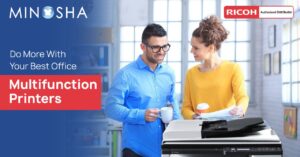
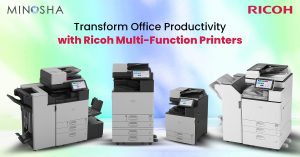
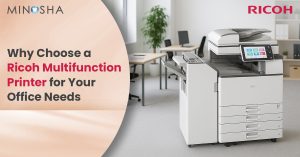
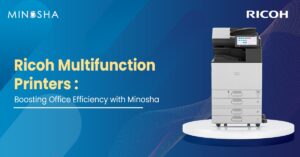
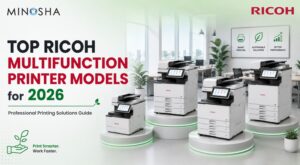
Some businesses don’t need a dedicated production machine but still require more capability than a basic desktop printer offers. This is where devices occupying the middle ground become relevant, bridging the gap between basic office needs and full commercial production. A Ricoh multifunction printer can handle higher volumes than typical desktop units while still offering scanning, copying, and faxing capabilities in one device. These machines work well for medium-sized offices that need solid performance without committing to full production-level investments.
The key is honestly assessing where your business actually falls on this spectrum, since overbuying wastes money just as much as underbuying causes frustration. A growing business might start with a robust multifunction device and later transition to dedicated production equipment once volume justifies it. Others might jump straight to commercial equipment if their print volume is already substantial from day one. Either way, understanding the distinct categories available helps avoid the common mistake of treating all printers as essentially the same thing with different price tags.
The decision between standard office printers and commercial production equipment ultimately comes down to honestly evaluating your business’s actual printing needs, both today and in the near future. Volume, finishing requirements, and budget all play crucial roles in determining which category makes sense. For many businesses, the realization that they’ve outgrown office equipment comes gradually, through mounting frustrations and rising costs that eventually become impossible to ignore. Recognizing these signs early and understanding what each category truly offers can save significant time, money, and headaches down the road.