Multifunction Printer vs Single-Function Printer: Which Should You Choose?
Choosing the right printing device is an important decision for any business, whether it is a startup, a growing SME, a corporate office, or a commercial print environment. Many buyers struggle to decide between a multifunction printer and a single-function printer because both options appear similar at first glance. The difference becomes clearer when you evaluate workflow, print volume, space availability, and long-term operating needs.
What Is a Multifunction Printer?
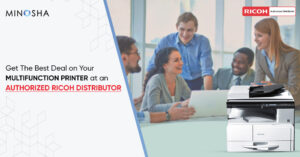
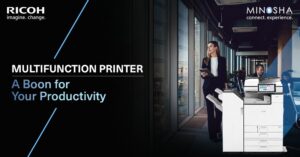
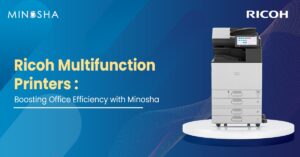
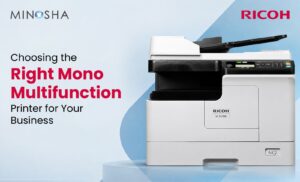
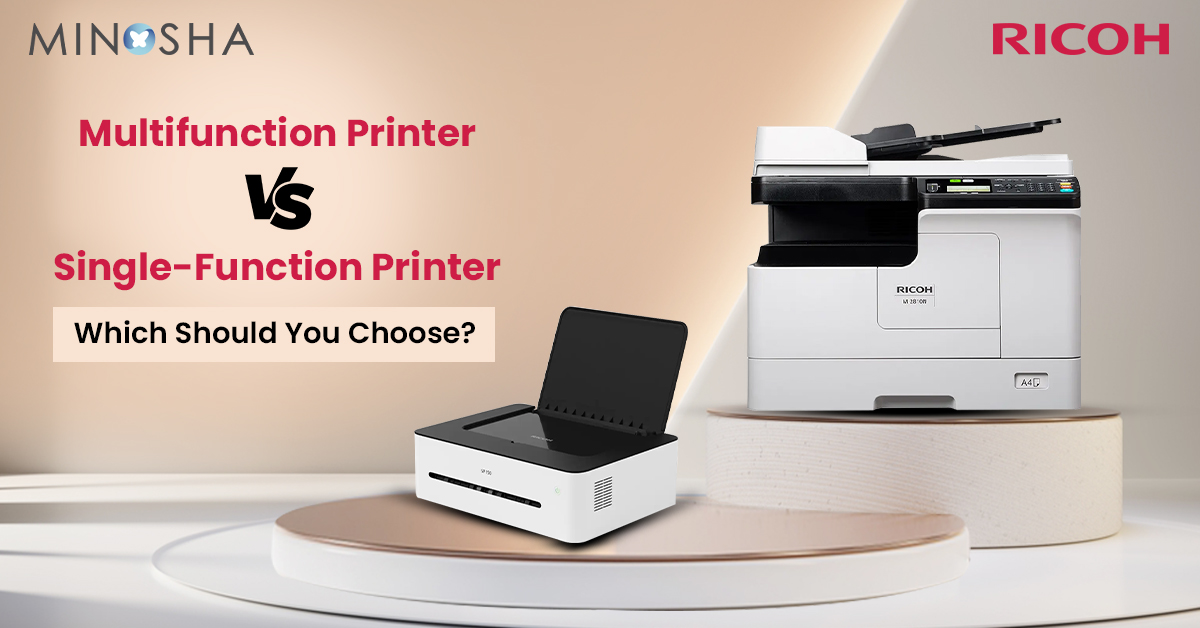
A multifunction printer, often called an MFP, is designed to handle several document-related tasks from a single device. It can print, scan, copy, and sometimes fax, making it a centralized office document hub. Modern MFPs also support wireless printing, cloud connectivity, user authentication, and document workflow integration. These features help businesses streamline daily operations.
MFPs are popular in offices where employees frequently move between digital and paper documents. A single device can scan invoices, print reports, copy contracts, and distribute documents electronically. This reduces the need for separate machines and simplifies document management. Many organizations choose MFPs to improve convenience and reduce equipment clutter.
What Is a Single-Function Printer?
A single-function printer is dedicated solely to printing. It does not include scanning, copying, or fax capabilities, which allows manufacturers to focus on printing performance and reliability. These devices are available in both monochrome and color models and are often optimized for speed, duty cycle, or image quality. Their simpler design can make them easier to deploy and manage.
Single-function printers are common in environments where printing is the primary activity. Examples include warehouse label stations, accounting departments, production offices, and specialized print workflows. Because they concentrate on one task, they may offer stronger print-focused performance for specific applications. Businesses with minimal scanning or copying needs often find them sufficient.
The Biggest Difference Between the Two
| Feature | Multifunction Printer | Single-Function Printer |
| Functions | Print, scan, copy, fax | Print only |
| Space Required | Less | More if additional devices are needed |
| Best For | Offices with mixed document tasks | Print-focused environments |
| Workflow Integration | Strong | Limited |
| Maintenance | One device to manage | Separate devices if scanning/copying is needed |
| Typical Use Case | SMEs, offices, schools, clinics | Warehouses, production areas, accounting |
The most significant difference is functionality. A multifunction printer consolidates multiple office tasks into one machine, while a single-function printer performs only printing. This affects workflow, space requirements, user convenience, and equipment management. Organizations with varied document needs usually benefit more from multifunction capability.
Single-function printers excel when printing is the dominant requirement and additional features would remain unused. They are often selected for dedicated print stations where speed and reliability matter more than document capture or copying. Understanding how employees actually use documents is the key to choosing the right category. The wrong choice can lead to unnecessary costs or workflow inefficiencies.
Advantages of Multifunction Printers
Multifunction printers save space by replacing several separate devices with one integrated system. This is especially valuable in small and medium-sized offices where floor space is limited. Centralized document handling also simplifies user training and IT support. Employees can access multiple functions from a single interface.
MFPs improve workflow efficiency because documents can be scanned directly to email, network folders, cloud platforms, or document management systems. Automated duplex scanning and copying reduce manual effort and paper usage. Centralized monitoring and supply management are additional operational benefits. Many businesses appreciate having one device to maintain instead of several.
Advantages of Single-Function Printers
Single-function printers are often simpler to operate because users interact with fewer features and menus. Their focused design can make them well suited to repetitive, high-volume printing tasks. Departments that print continuously throughout the day may prefer a dedicated print engine rather than sharing a multifunction device. Reduced complexity can also shorten user training time.
These printers are frequently easier to position near specific workstations or production areas. If scanning and copying are handled elsewhere, a dedicated printer can provide efficient local printing without paying for unused functions. Some businesses deploy multiple single-function printers across different departments to distribute workload and minimize queue delays. Dedicated printing can improve productivity in specialized environments.
When a Multifunction Printer Is the Better Choice?
A multifunction printer is usually the better choice for offices that handle contracts, invoices, forms, HR documents, and customer paperwork daily. Teams that frequently scan documents into digital workflows gain significant productivity benefits from integrated scanning features. Remote and hybrid work environments also benefit because employees can digitize and share documents quickly. Centralized document processing supports collaboration across departments.
Small businesses often find that one MFP meets most office needs without requiring additional equipment purchases. Educational institutions, healthcare clinics, legal offices, and administrative departments commonly prefer multifunction systems for this reason. The ability to print, scan, and copy from a single device reduces equipment management overhead. Organizations seeking a versatile office solution should evaluate MFPs first.
Space and Office Layout Considerations
Office space is often overlooked during printer selection. A multifunction printer occupies one location and can replace several separate devices, which simplifies office layout planning. Shared placement near a workgroup can improve accessibility and reduce clutter. Centralized equipment also makes supply storage easier.
Single-function printers may require additional devices elsewhere in the office if scanning or copying is needed. This can increase space requirements and create multiple document-processing zones. In large facilities, distributed single-function printers may still be advantageous because they reduce travel distance for users. The best layout depends on office size, team structure, and document workflow.
Productivity and Workflow Impact
Multifunction printers generally support stronger document workflows because scanning, copying, and digital distribution are integrated into one interface. Employees can convert paper documents to searchable digital files and send them directly to business systems. Automated workflows reduce manual handling and improve turnaround time. These benefits become more valuable as document volume increases.
Single-function printers support productivity in a different way by focusing entirely on printing throughput. Dedicated devices can reduce queue congestion in departments with heavy print demand. Production teams often prefer predictable print availability without interruptions from scanning or copying jobs. Workflow impact should therefore be measured against actual department needs rather than generic assumptions.
Security Considerations
Modern multifunction printers often include advanced security features such as user authentication, secure print release, encrypted scanning, audit logs, and integration with directory services. These features are important in organizations that handle confidential information. Centralized security management can simplify compliance efforts. Many enterprises value these capabilities highly.
Single-function printers can also include security features, but their scope may be more limited depending on the model. If printing is the only task performed, the security surface is smaller, which can simplify management. However, businesses that need secure document capture and distribution may find multifunction platforms more suitable. Security requirements should be reviewed with IT teams before purchase.
Maintenance and IT Management
Managing one multifunction device is often simpler than managing several separate devices. IT teams can monitor supplies, firmware, usage, and service status from a centralized platform. Fewer devices usually mean fewer network endpoints and fewer maintenance schedules. This can reduce administrative overhead.
On the other hand, a single multifunction device can become a shared dependency for multiple users. If it is unavailable, printing, scanning, and copying may all be affected simultaneously. Distributed single-function printers can provide operational redundancy because one device failure affects only a limited group of users. Businesses should consider both simplicity and resilience when planning device deployment.
Environmental and Sustainability Factors
Multifunction printers can support sustainability goals by consolidating equipment and reducing overall energy consumption compared with running several separate devices. Duplex printing and scanning features help reduce paper usage. Centralized monitoring also makes it easier to enforce print policies. These advantages can contribute to office sustainability initiatives.
Single-function printers may still be energy efficient, particularly when used only for targeted printing tasks. Deploying appropriately sized devices prevents unnecessary power consumption from oversized equipment. The environmental impact depends on utilization patterns, energy efficiency ratings, and print policies. Sustainability evaluations should consider real usage rather than device category alone.
Commercial Printing and Production Environments
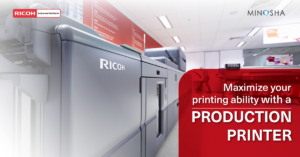
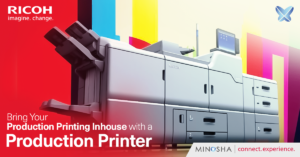
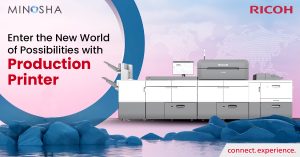
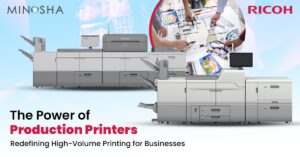
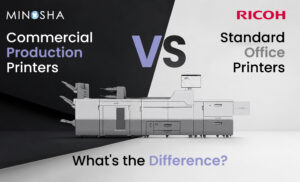
Commercial print providers have very different requirements from typical offices. Their priority is usually print quality, throughput, media flexibility, finishing capability, and production uptime rather than office scanning convenience. In such environments, dedicated production systems are often more appropriate than standard office MFPs. Specialized equipment is designed for continuous commercial workloads.
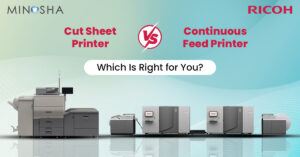
Businesses evaluating commercial production printers or a cut sheet production printer should focus on duty cycle, media handling, color consistency, workflow integration, and finishing automation rather than basic office features. These production platforms are built for demanding commercial applications and differ substantially from office multifunction devices. Selecting equipment based on workload and application is critical in production environments. Office-oriented features alone are rarely sufficient for commercial print operations.
Brand and Ecosystem Considerations
Printer selection is not only about hardware features; it is also about service, software, and workflow compatibility. Organizations that already use a particular print management or document workflow ecosystem may prefer compatible devices to simplify deployment and support. Existing user familiarity can reduce training requirements and improve adoption. Service network availability is another important consideration.
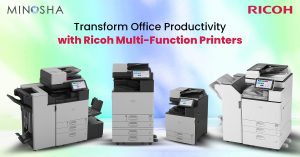
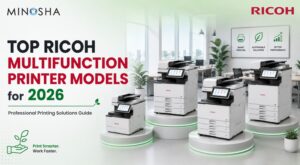
Businesses evaluating a Ricoh multifunction printer should compare workflow integration, security features, service support, and future scalability against their operational requirements. Demonstrating real business workflows during evaluation is often more valuable than reviewing specification sheets alone. Compatibility with existing processes can significantly influence long-term satisfaction. Brand decisions are most effective when tied to documented business needs.
Questions to Ask Before Making a Decision
Before choosing a printer category, decision makers should gather operational data from users and IT teams.
- How many pages are printed each month?
- How often are documents scanned or copied?
- Are employees working from multiple locations?
- Is office space limited?
- Do departments require dedicated printers?
- Are secure print and scan workflows required?
- What software systems must the device integrate with?
- How important is centralized management?
- What level of technical support is available locally?
- Is future business growth expected?
Clear answers to these questions help narrow the appropriate device category. Procurement decisions should be based on evidence rather than assumptions. Testing real workloads during evaluation is highly recommended. Structured assessment usually leads to better long-term outcomes.
Conclusion
The choice between a multifunction printer and a single-function printer depends on how your organization creates, processes, and shares documents. Multifunction printers are ideal for offices that need printing, scanning, copying, and digital workflow integration from one centralized device. Single-function printers are better suited to print-focused environments where dedicated performance, simplicity, and specialized printing matter most.
Rather than asking which technology is universally better, businesses should ask which option best supports their actual workflow, space constraints, security requirements, and growth plans. A careful assessment of document habits, department needs, and long-term operating costs will lead to a more effective decision. In many cases, the best solution is the one that aligns closely with daily work patterns rather than the one with the longest feature list.