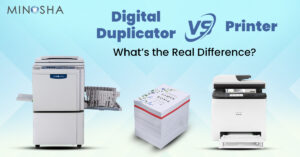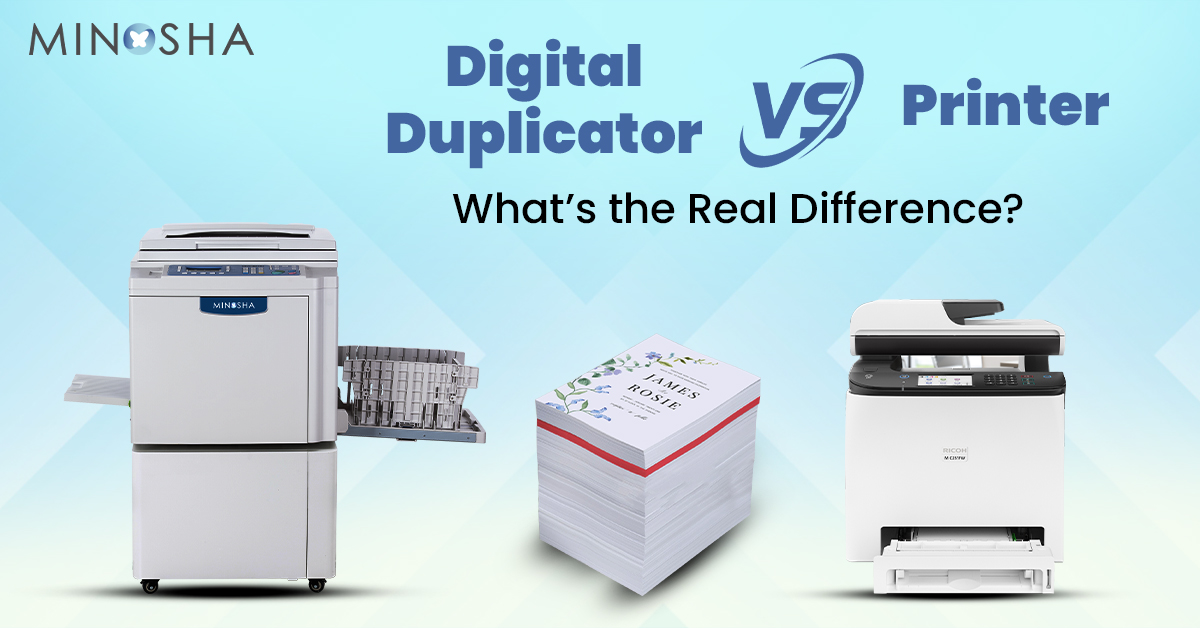
Digital Duplicator vs Printer: What’s the Real Difference?
In many offices, schools, and government departments, printing large volumes of documents is a daily requirement. This is where the confusion often begins: should you invest in a digital duplicator or stick to a regular printer? Both machines look similar and perform the same basic task—putting ink on paper. But the way they work, the cost involved, and the results they deliver are very different.
Understanding these differences can help you choose the right solution for your organization. Let’s explore how digital duplicators and printers compare, and which one might be the better choice for your needs.
What Is a Digital Duplicator?
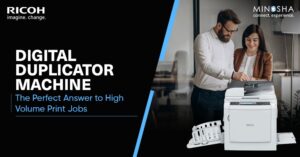
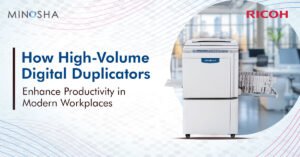
A digital duplicator is a high-speed, cost-efficient machine designed for bulk printing. It works by creating a master template and then pressing ink through it onto paper. The technology is similar to screen printing but more advanced and fully automated.
Once the master is created, the duplicator can produce thousands of copies at a very low cost per page. This is why schools, government departments, NGOs, and large institutions use duplicators for circulars, forms, notices, exams, and training materials.
Digital duplicators do not rely on heat-based printing like laser printers. Instead, they use a simple and energy-efficient mechanism, which reduces wear and tear and keeps operational costs low.
What Is a Printer?
A printer—whether inkjet or laser—is designed for everyday printing. It focuses on producing clean, sharp images and text. Printers are more flexible because they can print single copies, photos, graphics, and detailed documents. However, they become expensive when used for high volumes.
Laser printers use toner and heat. Inkjet printers use liquid ink and nozzles. Both types are great for office tasks, school projects, or light professional use but become less economical when printing hundreds or thousands of pages regularly.
How Does a Digital Duplicator Work?
A digital duplicator scans a document or accepts a digital file. It then creates a stencil-like master on a drum. As the drum rotates, ink is pressed through the master onto paper.
One master can produce thousands of copies. The faster it runs, the more cost-effective the process becomes.
This is why duplicators are ideal for bulk printing without compromising speed.
How Does a Printer Work?
Printers work differently.
- Laser printers use toner powder and heat to fuse the print onto the paper.
- Inkjet printers spray tiny droplets of ink through micro-nozzles.
Both methods offer high-quality printing with good detail and sharpness. But each page printed has a fixed cost, and large jobs become expensive.
Key Differences: Digital Duplicator vs Printer
To make the decision easier, let’s break down the major points of comparison.
1. Speed
Digital duplicators are built for speed. Many models can print up to 100–190 pages per minute effortlessly. Once the master is created, the machine runs continuously.
Printers, on the other hand, are slower.
- A laser printer may reach 30–50 pages per minute.
- Inkjet printers are even slower.
If your organization prints in bulk every day, speed alone makes the duplicator the better choice.
2. Cost per Copy
This is where digital duplicators shine.
- The master creation cost is minimal.
- The ink cost per page is extremely low.
Once the machine starts running, each copy costs almost nothing. That’s why schools and government offices rely on duplicators for exams, reports, and notices.
Printers have a higher cost per copy. Toner and ink cartridges are expensive. Printing thousands of pages can quickly increase monthly expenses.
3. Quality of Output
Digital duplicators produce clean, readable documents. They are excellent for text, line work, and simple graphics. However, they are not made for high-resolution color printing or detailed images.
Printers, especially laser and inkjet models, offer better precision for photos and graphic-heavy documents. If sharpness and image quality matter more than quantity, a printer wins this category.
4. Volume of Printing
Digital duplicators are designed for massive print runs. They are ideal for:
- Schools
- Government institutions
- Large offices
- NGOs
- Training centers
Printers are designed for low to medium volume tasks. They are perfect for personal use, small teams, or offices with occasional printing needs.
5. Maintenance and Durability
Digital duplicators have fewer moving parts compared to printers. Because they do not use heat, toner, or complex mechanisms, maintenance is surprisingly low. These machines can last for many years even under heavy daily use.
Printers require more frequent maintenance. Toner leakage, drum replacement, and nozzle clogging are common issues. High volume usage often reduces the lifespan of the printer.
6. Energy Consumption
Digital duplicators consume less electricity because they do not use heat. They run cool and efficiently even during continuous operation. Printers consume more energy due to heating elements, especially laser printers.
7. Environment Impact
Digital duplicators are more eco-friendly. They use soy-based inks and produce less waste. Their low power usage also makes them energy-efficient. Printers generate more cartridge waste and consume more power.
When Should You Choose a Digital Duplicator?
Choose a digital duplicator when:
- You need to print thousands of copies regularly.
- You want the lowest cost per page.
- You require fast and continuous printing.
- You don’t need photo-quality prints.
Educational institutions, government offices, and large organizations consider the digital duplicator machine in India a reliable long-term investment.
When Should You Choose a Printer?
A printer is the right choice when:
- You need high-quality prints.
- Your print volume is low to moderate.
- You want flexibility in media types (photos, charts, color brochures).
- You need detailed images or graphics.
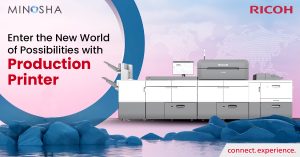
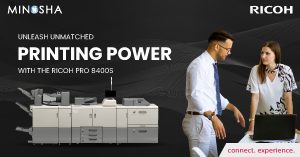
Offices, creative teams, and home users often prefer the detail and clarity offered by a production printer, especially for presentations or marketing materials.
Which One Is Better Overall?
Both machines serve different purposes.
- If you prioritize speed, affordability, and volume, the digital duplicator wins.
- If you need detail, color accuracy, and flexible printing, the printer is better.
There is no one-size-fits-all solution. The right choice depends on your printing habits, budget, and organizational needs.
Final Thoughts
Printing technology has evolved a lot, but the core difference between a digital duplicator and a printer remains clear. A digital duplicator helps you produce large quantities at a fraction of the cost, while a printer gives you high-quality output suitable for everyday use.
Understanding your workload is the key. If your institution prints thousands of pages regularly, a digital duplicator will save you time and money. If your focus is on detail and presentation, a printer will serve you better.
Both machines play an important role in modern offices. The right choice aligns with how much you print, how fast you need it, and the quality you expect.